FLEXISPOT Electric Standing Desk
Best for the anchor work surface
A height-adjustable desk that lets you switch between sitting and standing.
Rooms
How to build a home office that helps you focus by day and doesn't feel like a cubicle by night.
By Catherine Vizcaino · Home-renovation pro & founder
Updated August 2026
As an Amazon Associate, I Heart My Home earns from qualifying purchases. It never changes your price or our picks. Learn more.
A home office has a split personality: it needs to help you focus during the day and not feel like a cubicle parked in your house at night. The way you win both is to treat it like any other room — anchor it, light it, then warm it up — instead of just shoving a desk against a wall and calling it done.
Same order as everywhere else: anchor → lighting → soft goods → decor last. Here the anchor is the desk and chair, lighting is about killing glare and eye strain, and the soft goods and decor are what keep it from feeling clinical. Below is the shop-the-look I’d build a workspace around that you’ll actually want to sit in.
Prices on Amazon shift constantly, so each pick shows a Check price on Amazon button instead of a number I can’t promise. See our affiliate disclosure for how the links work and our editorial policy for how picks are chosen.
Best for the anchor work surface
A height-adjustable desk that lets you switch between sitting and standing.

Best for vertical storage and display
An open ladder shelf that adds storage and display without crowding the floor.
Best for focused task light
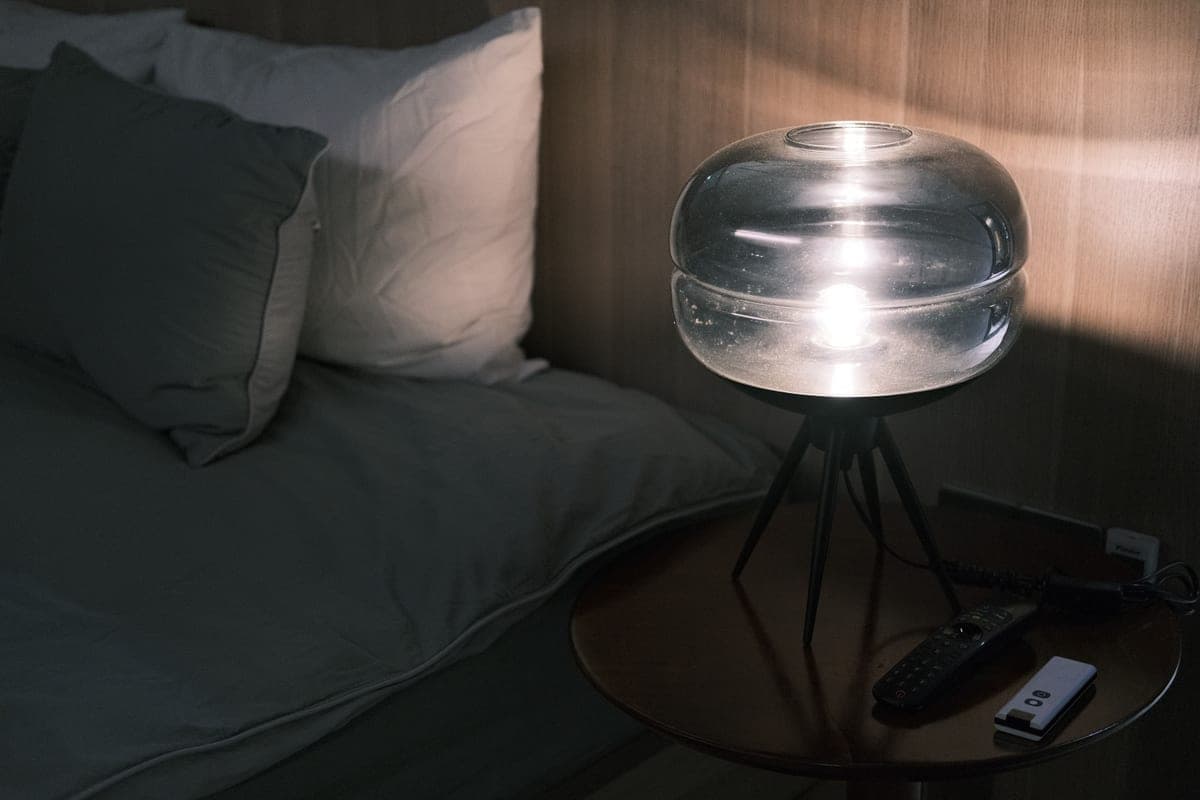
An adjustable task lamp that lights your work without glaring on the screen.

Best for corralling supplies
A simple mesh organizer that gets pens, notes, and clutter off the work surface.

Best for the warming layer
A coordinated print set that turns a blank work wall into a real room.
In a home office the anchor is a pair: the desk and the chair. They set the ergonomics, the scale, and the tone of the room, so they come first and they get the budget. Everything else — shelving, lamp, decor — arranges itself around that working core.
Set the ergonomics before you set the style. When you’re seated, your elbows should bend around 90 degrees at the keyboard, your wrists stay straight, and the top of your monitor should sit roughly at eye level. The Mayo Clinic office-ergonomics guidance and the OSHA computer-workstation checklist are the two references I’d actually read before buying — getting this right is the difference between a room you can work in for years and one that leaves your neck sore.
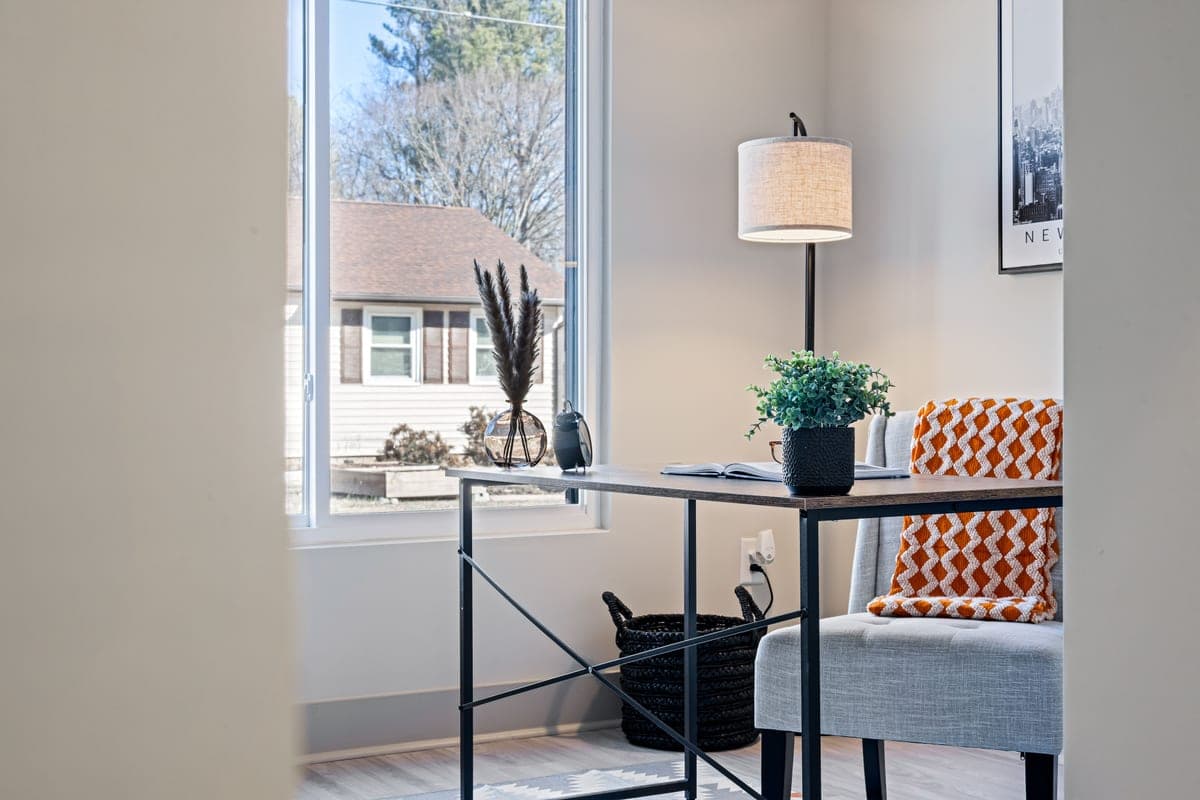
Place the desk thoughtfully. Facing a window invites glare on your screen; backing straight up to one puts glare behind you on calls. Perpendicular to the window is usually the sweet spot — you get daylight without fighting it. For the bigger pieces, our best furniture guide covers desks and seating in more depth.
The workspace comes together in the same four moves as any other room:
The soft-goods layer does quiet double duty in an office: a rug and curtains don’t just warm the room, they absorb sound and make video calls sound noticeably better. For more finishing pieces, browse our home goods picks and home decor items.
If your dollars are limited, put them where your body and eyes spend eight hours: the chair and the lighting. A good chair prevents the aches that make you dread the room, and proper task light prevents the eye strain that ends a workday early. Those two are worth real money; almost everything else here can be affordable.
Where I happily save: the shelving, the organizer, and the decor. A simple ladder shelf and a mesh organizer do the job at a fraction of built-in cost, and art is meant to be swapped. Furnishing a whole office on a tight number? Our decorate-on-a-budget guide and affordable decor picks stretch it the furthest.
Want the space to feel like more than a work corner? A little personality goes a long way — even a maximalist touch of color and pattern on the decor layer can turn a plain office into a room you like being in.
For most people a desk 48 to 60 inches wide and about 24 to 30 inches deep is the sweet spot — wide enough for a monitor or two plus writing room, without dominating the room. If you use dual monitors or sketch on paper, size up; if space is tight, a 40-inch desk still works for a laptop setup.
If your budget allows, a height-adjustable desk is worth it — alternating between sitting and standing is easier on your back than sitting all day. The key is to actually switch positions, which is why memory presets help. If a standing desk is out of range, a regular desk plus a monitor riser and a good chair covers the basics.
Layer it: daylight if you can get it without glare, a ceiling light for the room, and an adjustable task lamp aimed at your work, not your screen. Add a little light behind the monitor to reduce the harsh contrast that tires your eyes. The American Academy of Ophthalmology also recommends the 20-20-20 rule to rest your eyes during long screen sessions.
Perpendicular to a window is usually best — you get natural light without glare on your screen or behind you on video calls. Avoid facing a window directly (glare) or backing right up to one (backlight). If the room only allows facing the window, a sheer curtain or blind softens the glare.
Add the soft and personal layers. A rug and curtains warm the room and quiet the echo on calls; a plant, warm task lighting, and a few pieces of art do the rest. The trick is keeping the desk itself clear — a calm surface plus warm surroundings is what separates a home office from a cubicle.
Browse the roundups I'd actually hand a client — honest picks, real trade-offs, and the one to buy first.